

Website Speed optimization rarely gets top billing in a marketing plan, yet it quietly influences almost every number a business actually cares about. Slow pages lose rankings, because Google factors page speed into search results. Slow pages lose sales too, since visitors abandon a purchase faster than they will complain about it. Few single fixes move both metrics at once the way website speed optimization does.
This guide applies to any website, not one specific platform. If you run Shopify specifically, our Shopify speed optimization guide covers platform-specific fixes like app bloat and theme choices; this article focuses on the universal principles behind page load speed everywhere else, including WordPress and custom-built sites.
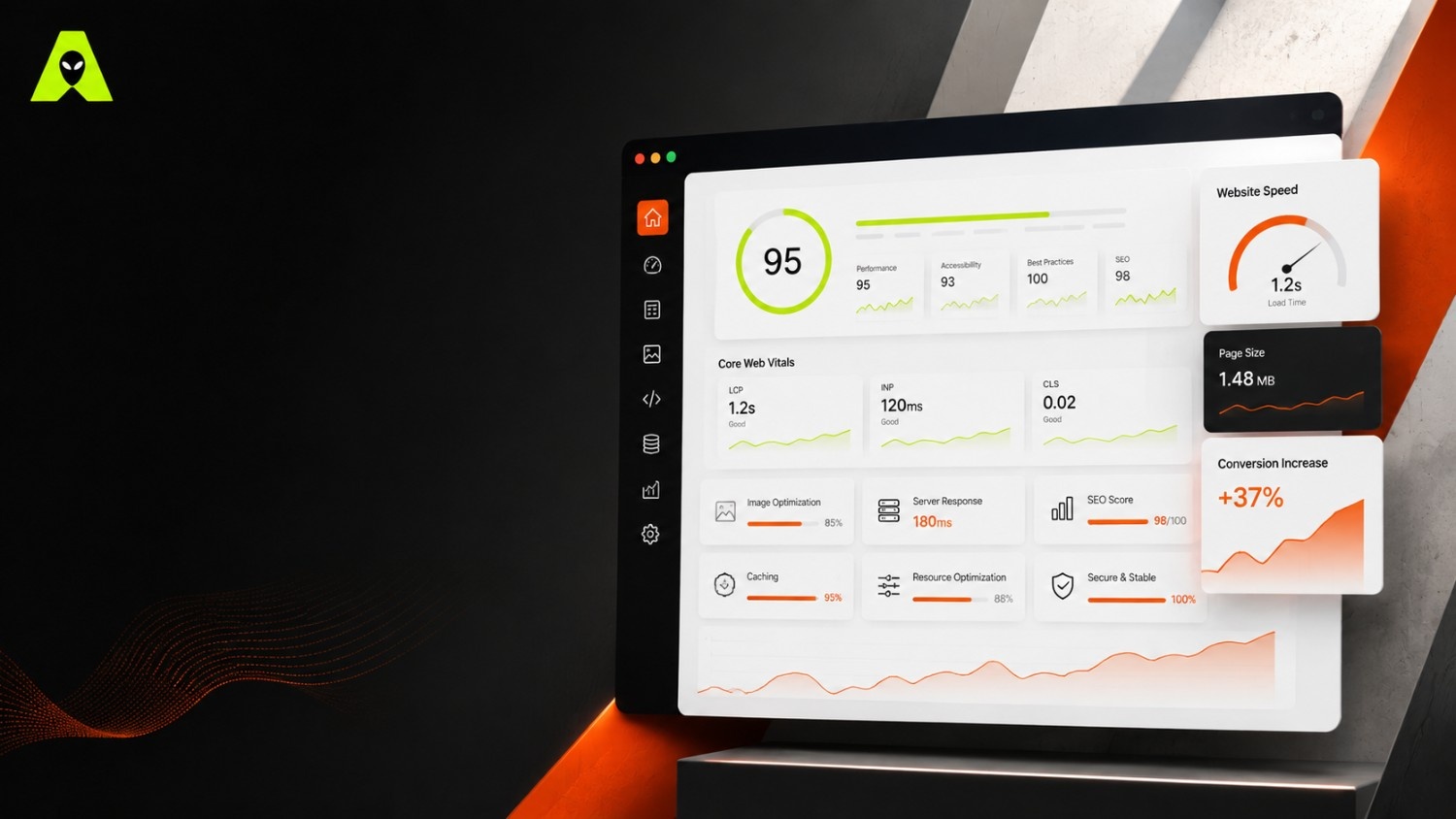
Before fixing anything, know what is being scored. Google's Core Web Vitals give a concrete, testable definition of "fast," rather than a vague feeling.
Run your site through Google PageSpeed Insights first; guessing at bottlenecks wastes time that testing would save. The tool ranks issues by impact, so you fix what actually matters before chasing smaller wins.
Image optimization is usually the biggest lever. Compress every image before upload, and serve modern formats like WebP instead of large, uncompressed files. Beyond images, unused scripts and third-party embeds are the next most common source of slow page load speed, since each one blocks rendering while it loads.
Google ranks pages partly on experience, not just content, so a slow site can outrank a competitor on paper yet still lose in search results. This matters more on mobile, where connection speeds vary widely, particularly for businesses across India serving customers on a wide mix of network conditions.
For the official technical definitions behind these scores, Google's own Core Web Vitals documentation stays current as thresholds evolve.
Under 2.5 seconds for your main content to appear, and under 200 milliseconds for the page to respond to interaction. Both together tend to correlate with better conversion rates.
Usually, yes. Images often account for most of a page's total weight, so compressing them is frequently the single fastest way to reduce loading time.
Run your URL through Google PageSpeed Insights. It scores your site and lists the specific issues slowing it down, ranked by impact.
Speed optimization pays off in ranking position, conversion rate, and how trustworthy your site feels, all from the same set of fixes. Start with a PageSpeed Insights audit, tackle images first, then work down the list by impact rather than guesswork.
Not sure why your site feels slow? Get in touch with the Alien Web Solutions team — we will run the numbers and tell you honestly what is actually costing you speed.